Windows and Linux builds
Windows x64
Download Windows x64SHA-256
41f943be148ef934525c21a6fa5ba73c2c0b4fd77b961a8be90972074b1d8622ZECMINER 1.0.0 · EQUIHASH (200, 9)
Bring your GeForce RTX 50, your CPU or both to Zcash mining with ZecMiner. Windows and Linux builds, a clear desktop interface and ready-to-use pool presets give you a straightforward place to start.
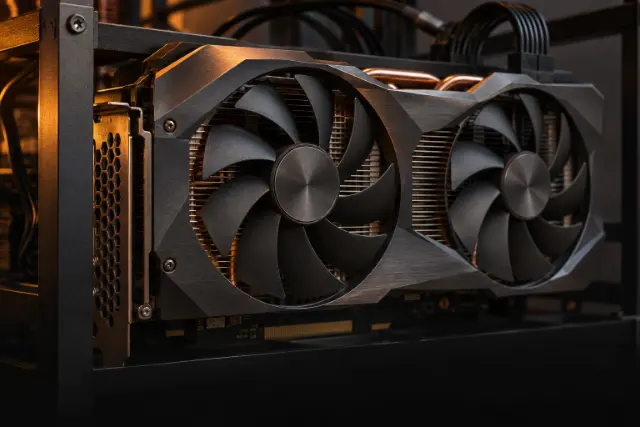
ZECMINER · 1.0.0
Windows and Linux builds
41f943be148ef934525c21a6fa5ba73c2c0b4fd77b961a8be90972074b1d8622Windows and Linux builds
55c111d16ad0b18a1d63b28591ecfc36dbc99a34ab3f83baa49fd1f17aacd92bNVIDIA BLACKWELL · RTX 50
The target GPU family is NVIDIA Blackwell: GeForce RTX 50, sm_120. Select your card in the application and measure its hashrate on your computer after tuning.
Extract the entire ZIP and open ZecMiner.exe inside ZecMiner-Windows-x64. Keep all bundled files together: the application uses the included solvers.
Commands from the archive folder
Expand-Archive .\ZecMiner-Windows-x64.zip -DestinationPath .
.\ZecMiner-Windows-x64\ZecMiner.exeExtract the TAR.GZ and launch ZecMiner from ZecMiner-Linux-x64 in a graphical desktop session. The solvers were built on Ubuntu 22.04. This is a desktop application with a control window.
Commands from the archive folder
tar -xzf ZecMiner-Linux-x64.tar.gz
cd ZecMiner-Linux-x64
./ZecMinerstratum+tcp://zecexplorer.biz.ua:3333stratum+tcp://zecexplorer.biz.ua:3334PPLNS shares the reward among participants in the accepted-share window. In SOLO, the miner who finds the block receives the reward. Both modes place payouts directly in the found block’s coinbase. Standard maturity is 100 confirmations.
The current pool fee is 0.1% for PPLNS and SOLO.
Compare the downloaded archive’s SHA-256 with the published value. Both archives are hosted directly on the pool server.
Get-FileHash .\ZecMiner-Windows-x64.zip -Algorithm SHA256sha256sum ZecMiner-Linux-x64.tar.gzCheck the connection log and accepted-share counter. Receiving a job and getting an accepted share are different stages: a share appears after a suitable solution is submitted.
An accepted share records work. A reward requires the pool to find a block; allocation then follows PPLNS or SOLO. Coinbase rewards mature after 100 confirmations.